 DS Documentation
Explore Documentation for Digital Sequence Products
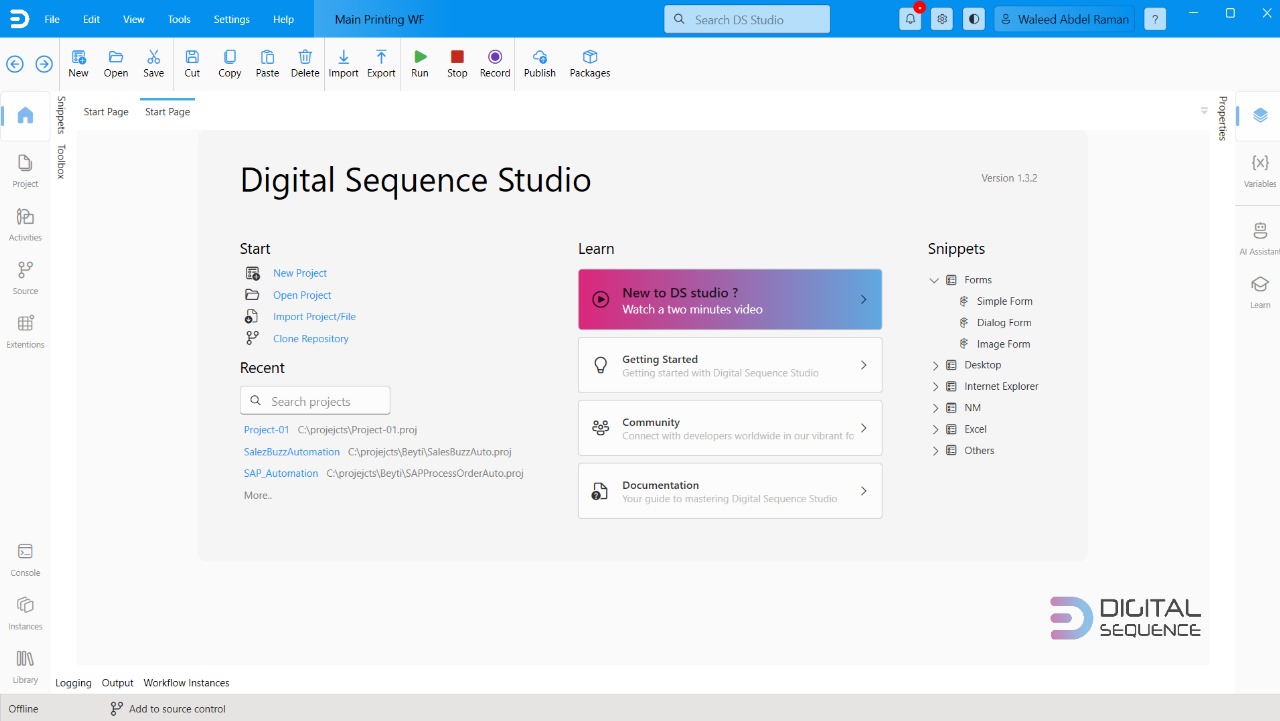
DS Studio Documentation
DS Studio serves as the primary environment where processes are mapped and designed to accomplish the specific task at hand. You can think of it like an Integrated Development Environment (IDE) for creating workflows.
View documentation
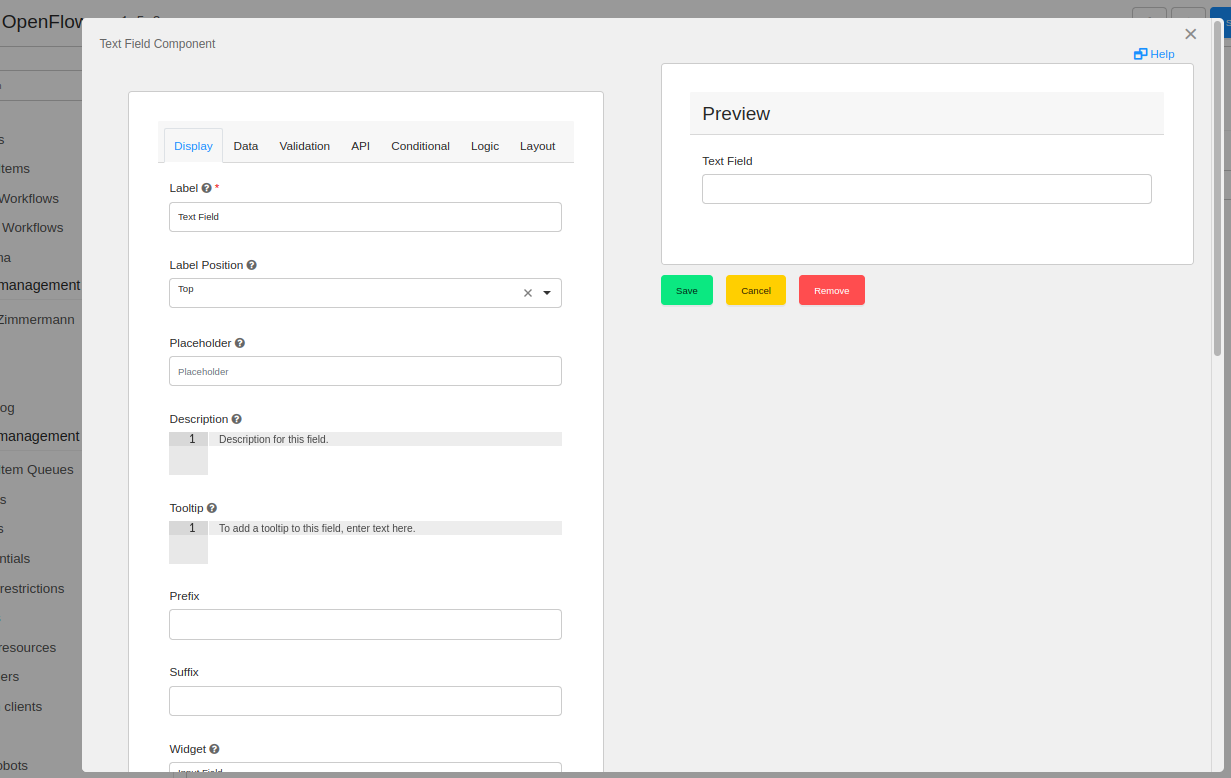
FlexiFlow Documentation
The Low Code Platform provides an intuitive environment that allows users to build, deploy, and manage applications with minimal coding. This platform is designed to accelerate the development process, enabling users to create sophisticated applications through visual modeling, drag-and-drop interfaces, and a range of built-in functionalities.
View documentation
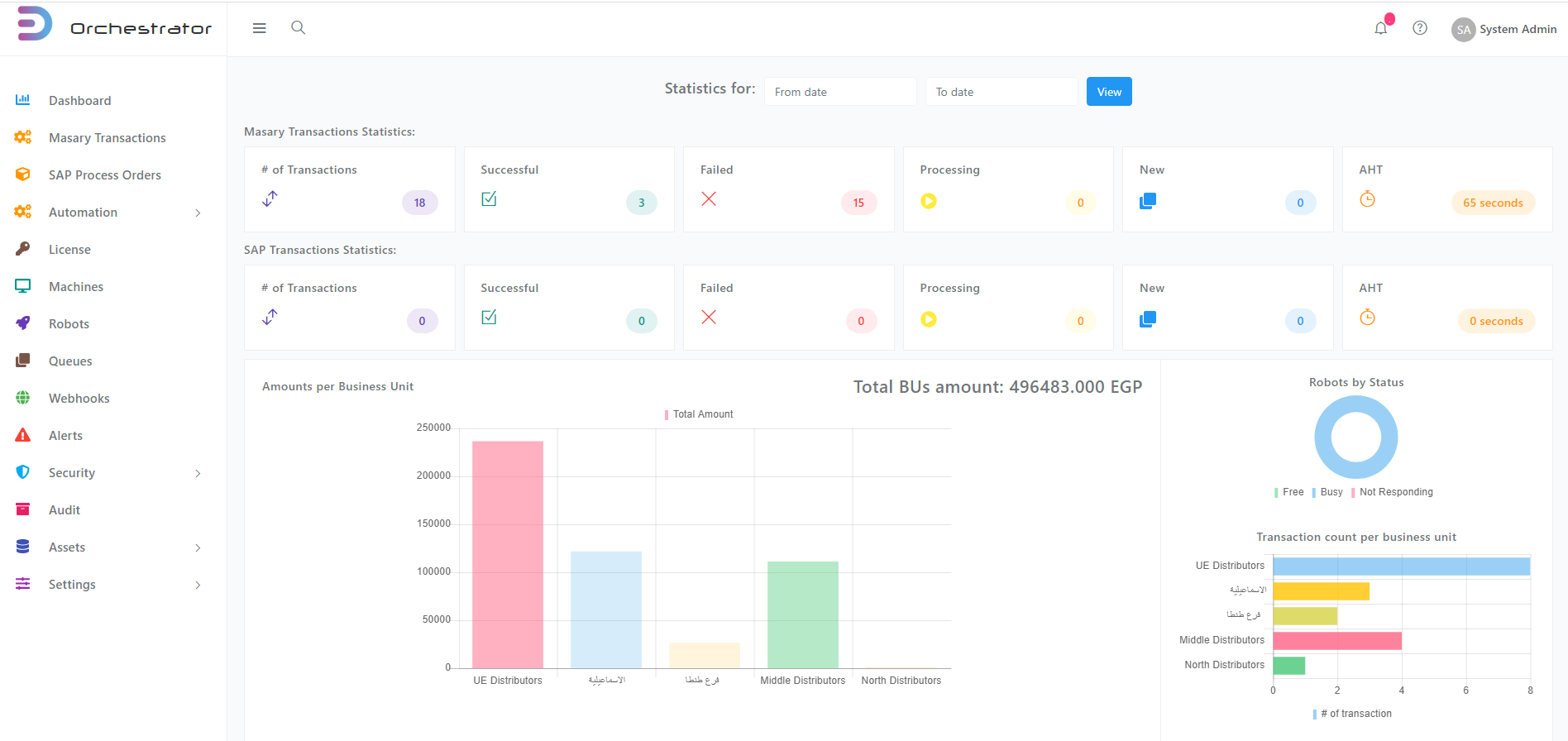
Orchestrator Documentation
DS Orchestrator is a web-based management platform provided by Digital Sequence. It serves as a centralized control panel for managing, monitoring, and deploying software robots, also known as "bots," across an organization's infrastructure.
View documentation
More resources
Join Our Community Forum
Connect with like-minded individuals in our community forum. Ask questions, share insights, and get support from other users and experts. Whether you're looking for help or want to contribute your knowledge, our forum is the place to be.
DS Studio Documentation
DS Studio serves as the primary environment where processes are mapped and designed to accomplish the specific task at hand. You can think of it like an Integrated Development Environment (IDE) for creating workflows. View documentation
FlexiFlow Documentation
The Low Code Platform provides an intuitive environment that allows users to build, deploy, and manage applications with minimal coding. This platform is designed to accelerate the development process, enabling users to create sophisticated applications through visual modeling, drag-and-drop interfaces, and a range of built-in functionalities. View documentation